
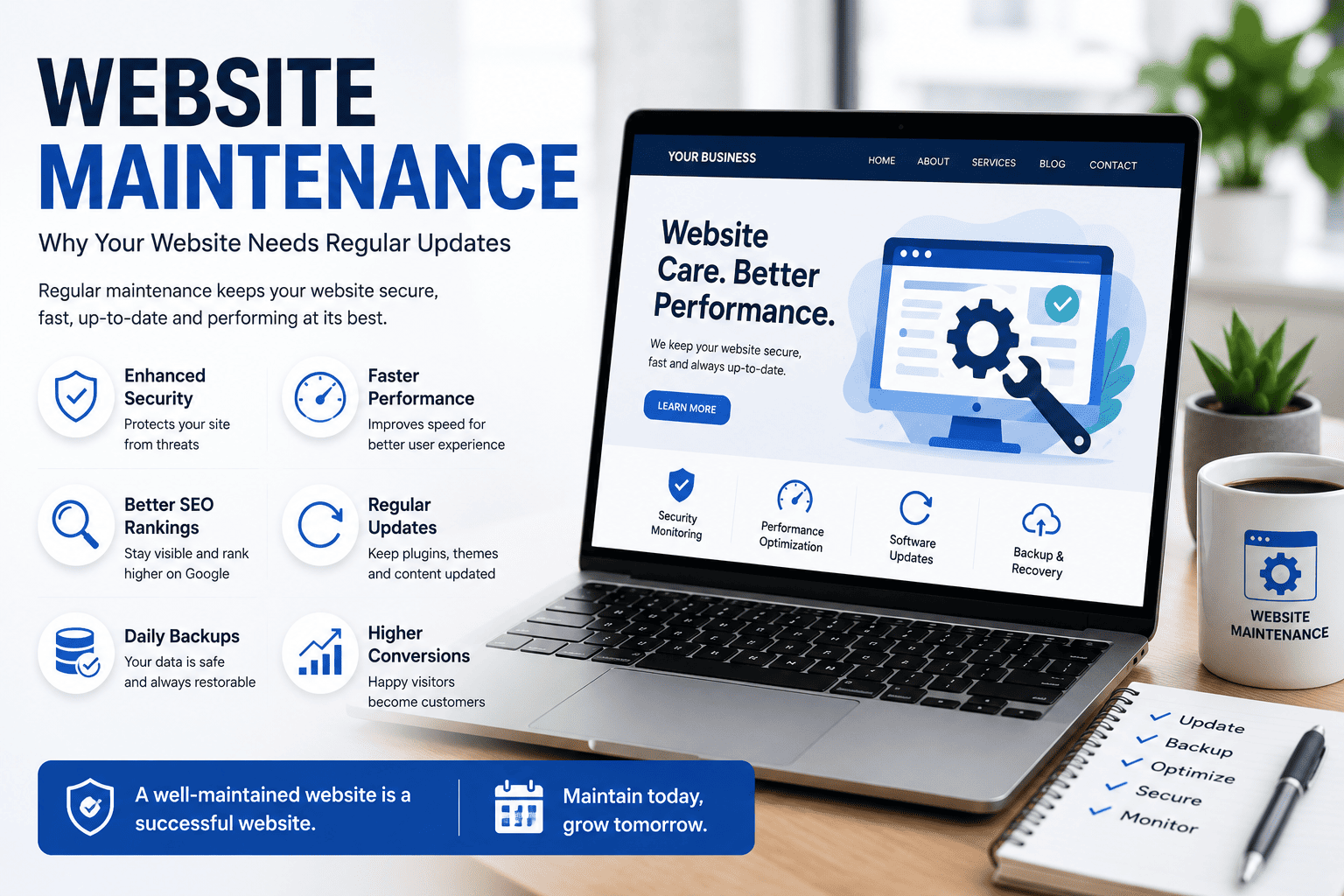

Website Maintenance: Why Your Website Needs Regular Updates
Launching a website is just the beginning. To keep your website secure, fast, and performing at its best, regular maintenance is essential. A neglected website can become slow, vulnerable to security threats, and lose visibility in search engine results.
Whether you run a small business website, an eCommerce store, or a corporate website, routine maintenance helps ensure a better experience for your visitors while protecting your online investment.
In this guide, we'll explain why website maintenance matters and what tasks should be performed regularly.
Why Website Maintenance Is Important
Your website represents your business 24/7. Visitors expect it to load quickly, work correctly, and provide up-to-date information.
Regular maintenance helps you:
- Improve website security
- Increase loading speed
- Maintain SEO rankings
- Prevent website downtime
- Fix bugs and broken links
- Improve user experience
- Keep software updated
- Protect customer data
1. Improve Website Security
Cyber threats continue to evolve, making website security more important than ever.
Regular maintenance includes:
- Updating your CMS
- Updating themes and plugins
- Installing security patches
- Monitoring suspicious activity
- Scanning for malware
Keeping everything updated significantly reduces security risks.
2. Maintain Fast Website Speed
Visitors expect websites to load quickly.
Regular optimization includes:
- Compressing images
- Removing unused plugins
- Optimizing databases
- Clearing cache
- Monitoring server performance
A faster website improves user satisfaction and supports better search rankings.
3. Protect Your SEO Rankings
Search engines prefer websites that are fast, secure, and regularly updated.
Website maintenance helps by:
- Fixing broken links
- Updating outdated content
- Optimizing page speed
- Improving mobile performance
- Monitoring indexing issues
Consistent maintenance helps preserve your visibility in search results.
4. Keep Content Accurate
Business information changes over time.
Review your website regularly to update:
- Contact information
- Business hours
- Pricing
- Services
- Team members
- Portfolio
- Blog posts
Accurate information builds trust with customers.
5. Fix Broken Links and Errors
Broken links frustrate visitors and create a poor user experience.
Regular website audits help identify:
- Broken internal links
- Missing images
- 404 errors
- Redirect issues
- Outdated downloads
Fixing these issues keeps your website functioning properly.
6. Ensure Mobile Compatibility
New smartphones and browsers are released every year.
Regular testing ensures your website continues to work well across different devices and screen sizes.
A responsive website provides a consistent experience for every visitor.
7. Backup Your Website
Unexpected issues can happen at any time.
Create regular backups of:
- Website files
- Database
- Images
- Customer data
Reliable backups allow you to restore your website quickly if something goes wrong.
8. Monitor Website Performance
Regular performance monitoring helps identify problems before they affect users.
Track important metrics such as:
- Page load time
- Uptime
- Traffic
- Bounce rate
- Conversion rate
- Core Web Vitals
These insights help you make informed improvements.
9. Update Plugins and Themes
Outdated plugins and themes can create security vulnerabilities and compatibility issues.
Always:
- Remove unused plugins
- Update active plugins
- Update themes
- Test your website after updates
This helps maintain stability and performance.
10. Enhance User Experience
A well-maintained website keeps visitors engaged.
Regular improvements include:
- Simplifying navigation
- Updating visuals
- Improving readability
- Fixing layout issues
- Optimizing forms
Better user experience leads to more inquiries and conversions.
How Often Should You Maintain Your Website?
Here is a recommended schedule:
Weekly
- Check website functionality
- Review contact forms
- Monitor security alerts
- Create backups
Monthly
- Update plugins and themes
- Test website speed
- Check for broken links
- Review analytics
Quarterly
- Update content
- Refresh images
- Review SEO performance
- Audit security settings
Annually
- Review website design
- Update branding if needed
- Evaluate hosting performance
- Assess new technology and features
Common Website Maintenance Mistakes
Avoid these common mistakes:
- Ignoring software updates
- Never creating backups
- Using outdated plugins
- Forgetting SSL certificate renewals
- Neglecting website security
- Allowing broken links to accumulate
- Publishing outdated information
- Never checking website performance
Final Thoughts
Website maintenance is an ongoing process that protects your business, improves customer experience, and supports long-term growth. A secure, fast, and up-to-date website builds trust with visitors and performs better in search engines.
By investing in regular maintenance, you reduce the risk of technical issues while ensuring your website continues to generate leads and support your business goals.
Frequently Asked Questions
Why is website maintenance important?
It keeps your website secure, fast, and functioning properly while helping maintain search engine rankings.
How often should a website be updated?
Basic maintenance should be performed weekly and monthly, with more detailed reviews every quarter.
Does website maintenance improve SEO?
Yes. Regular updates, improved speed, fixed errors, and fresh content all contribute to better SEO performance.
Can outdated plugins cause problems?
Yes. Outdated plugins can create security vulnerabilities, compatibility issues, and website errors.
Do small business websites need maintenance?
Absolutely. Every website benefits from regular maintenance, regardless of its size or industry.
Keep Your Website Running at Its Best with WebDesignKart
Your website deserves regular care to stay secure, fast, and effective. At WebDesignKart, we provide professional website maintenance services to keep your site updated, optimized, and performing at its best.
Whether you need routine updates, security monitoring, performance optimization, or technical support, our team is here to help.
📞 Contact WebDesignKart today and let us take care of your website while you focus on growing your business.