
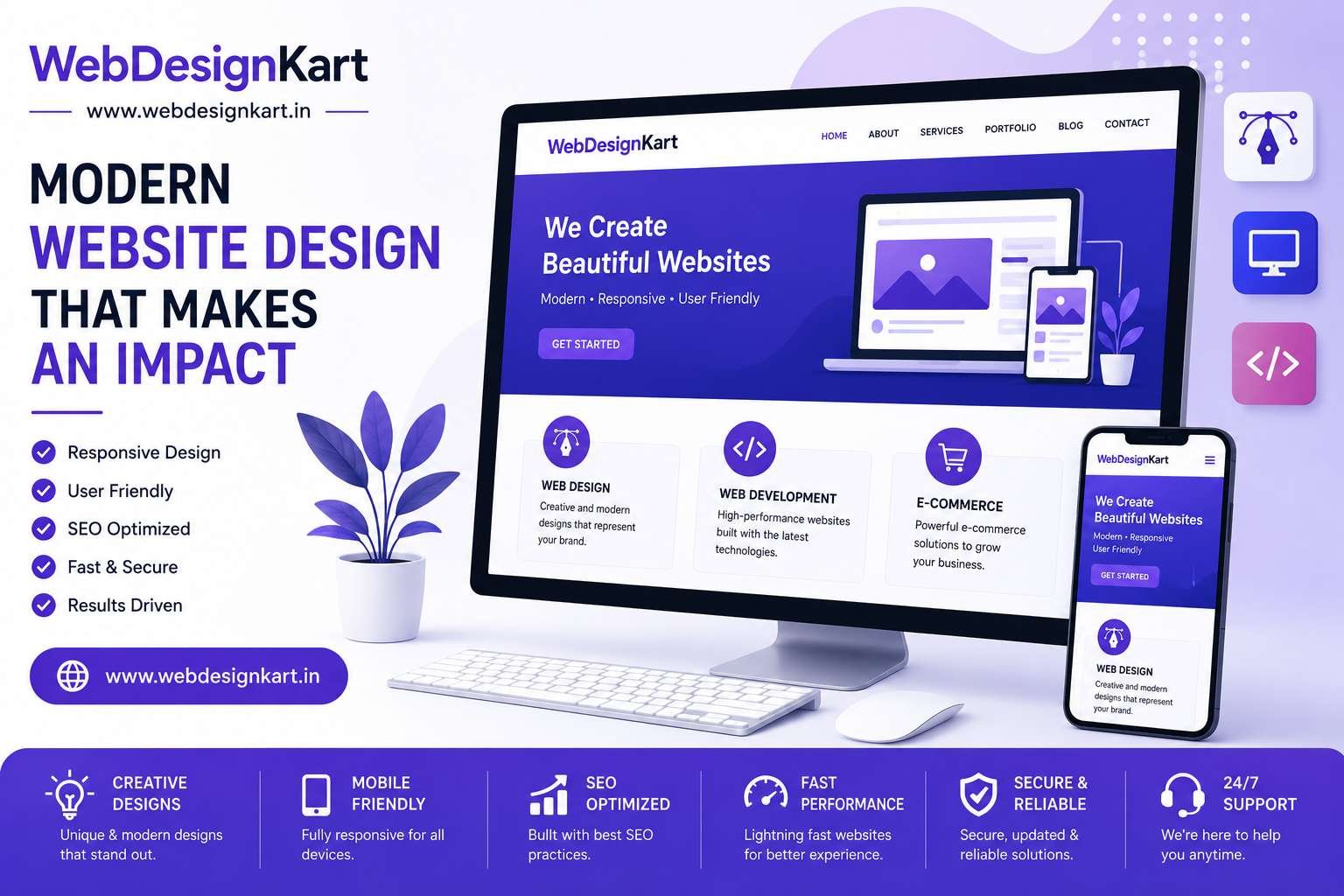

Small Business Website Design: Complete Guide for Beginners
A professional website is one of the most valuable assets a small business can have. Whether you're a local service provider, consultant, retailer, or startup, your website helps potential customers find, trust, and choose your business.
In today's digital world, customers expect businesses to have a modern, informative, and easy-to-use website. Without one, you may be losing valuable opportunities to competitors.
This guide covers everything beginners need to know about small business website design.
Why Every Small Business Needs a Website
Many consumers search online before making purchasing decisions.
A website helps your business:
- Build credibility
- Attract new customers
- Generate leads
- Showcase products and services
- Provide contact information
- Support marketing campaigns
Unlike social media platforms, your website is an asset you fully control.
Define Your Website Goals
Before creating a website, determine what you want it to achieve.
Common business goals include:
- Generating leads
- Booking appointments
- Selling products
- Building brand awareness
- Providing customer support
Your website design should support these objectives.
Essential Pages Every Small Business Website Needs
Home Page
Your homepage should clearly explain:
- Who you are
- What you do
- Who you help
- Why customers should choose you
A strong first impression is essential.
About Us Page
Customers often want to know more about the business behind the website.
Include:
- Company story
- Mission and values
- Experience and expertise
- Team information
Services or Products Page
Clearly explain your offerings.
Include:
- Benefits
- Features
- Pricing information (if applicable)
- Frequently asked questions
Contact Page
Make it easy for visitors to reach you.
Include:
- Contact form
- Phone number
- Email address
- Business hours
- Location details
Blog Page
A blog helps:
- Improve SEO
- Build authority
- Answer customer questions
- Generate organic traffic
Regular content updates can support long-term growth.
Mobile-Friendly Design Is Essential
Most website visitors now browse on mobile devices.
A responsive website automatically adjusts to different screen sizes and provides a better experience for:
- Smartphone users
- Tablet users
- Desktop users
Mobile-friendly websites also perform better in search results.
Focus on Fast Loading Speed
Visitors expect websites to load quickly.
Slow websites can result in:
- Higher bounce rates
- Lower conversions
- Poor user experience
Speed optimization should include:
- Compressed images
- Reliable hosting
- Efficient coding
- Limited use of unnecessary plugins
Keep Navigation Simple
Good navigation helps visitors find information quickly.
Best practices include:
- Clear menu structure
- Easy-to-understand labels
- Limited menu items
- Logical page organization
Simple navigation improves both usability and conversions.
Use Strong Calls-to-Action
Every website should guide visitors toward a desired action.
Examples include:
- Request a Quote
- Contact Us
- Schedule a Consultation
- Get Started Today
- Book a Free Demo
Effective calls-to-action help increase conversions and lead generation.
Search Engine Optimization (SEO)
SEO helps potential customers find your website through search engines.
Basic SEO practices include:
Keyword Research
Identify terms customers use when searching for your services.
Optimized Page Titles
Create unique titles for each page.
Quality Content
Publish useful and informative content.
Internal Linking
Connect related pages throughout your website.
Mobile Optimization
Ensure your website performs well on all devices.
Good SEO creates long-term visibility and traffic.
Build Trust with Visitors
Trust is critical for converting visitors into customers.
Ways to build trust include:
- Customer testimonials
- Online reviews
- Certifications
- Awards
- Case studies
- Portfolio examples
Social proof reassures potential customers.
Security Matters
Website security protects both your business and visitors.
Important security features include:
- SSL certificates (HTTPS)
- Secure hosting
- Regular updates
- Strong passwords
- Website backups
A secure website builds confidence and trust.
Common Small Business Website Mistakes
Avoid these common mistakes:
- Outdated design
- Slow loading speed
- Poor mobile experience
- Weak calls-to-action
- Lack of contact information
- Difficult navigation
- No SEO strategy
Fixing these issues can significantly improve website performance.
How Much Does a Small Business Website Cost?
Website costs vary depending on requirements.
Typical pricing ranges:
- Basic Website: ₹3,999 to ₹6,999
- Professional Business Website: ₹6,999 to ₹12,999
- Custom Website: ₹12,999+
The right investment depends on your business goals and growth plans.
Why Businesses Choose WebDesignKart
At WebDesignKart, we help small businesses create modern, responsive, and SEO-friendly websites that generate real results.
Our websites are designed to:
- Attract more visitors
- Improve user experience
- Generate leads
- Increase conversions
- Support business growth
We proudly serve businesses across the USA, UK, Canada, Australia, UAE, and India.
Conclusion
A professional website is one of the best investments a small business can make.
By focusing on responsive design, fast performance, SEO, strong calls-to-action, and user experience, businesses can create websites that attract customers and drive long-term growth.
Whether you're launching your first website or redesigning an existing one, following these best practices will help you build a stronger online presence.