
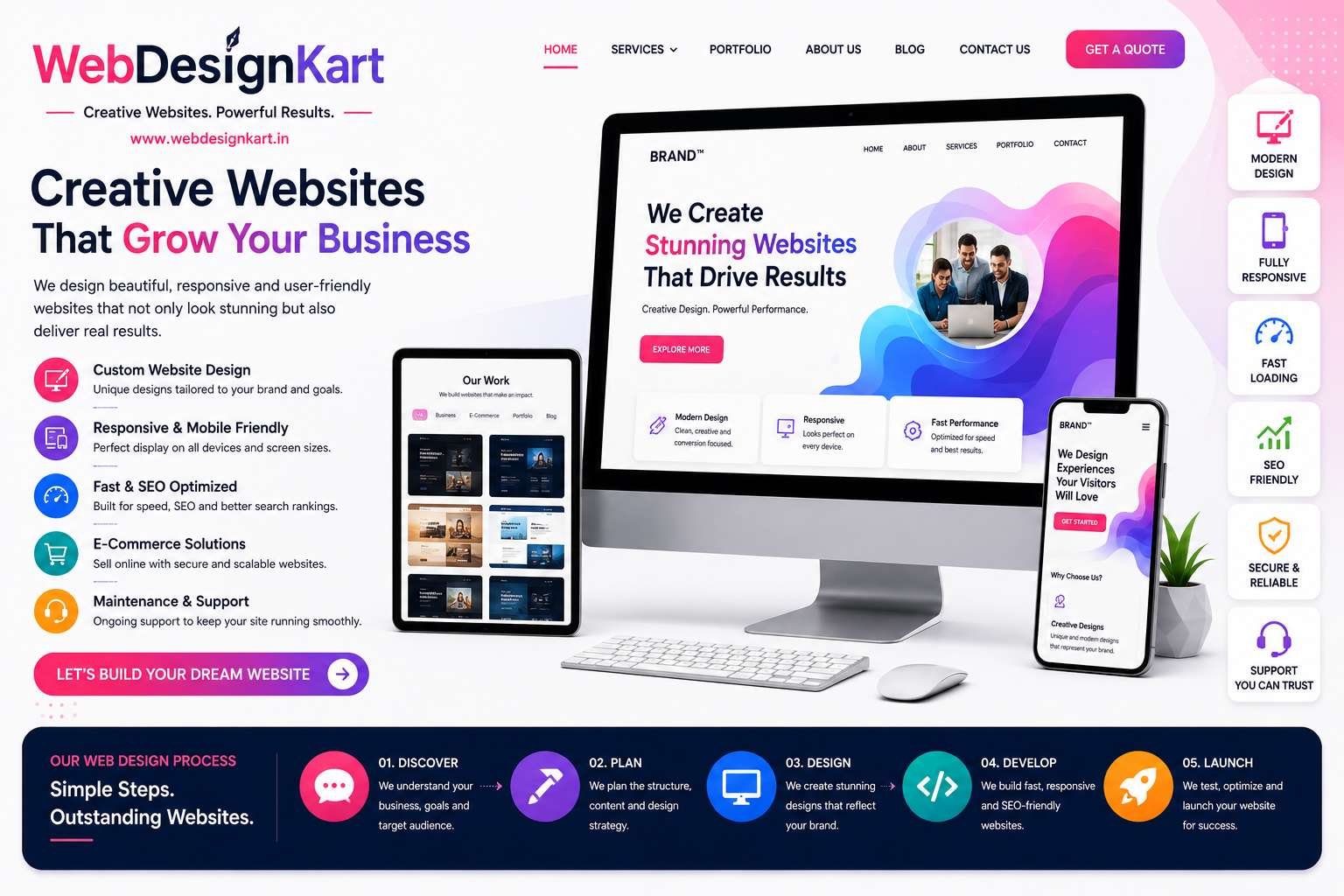

Affordable Website Design for Small Businesses
For many small business owners, building a professional website feels like a major expense. As a result, some businesses delay creating a website or settle for low-quality solutions that fail to deliver results.
The good news is that affordable website design does not mean sacrificing quality.
Today, small businesses can launch professional, mobile-friendly, and SEO-ready websites without spending a fortune. The key is understanding what features are truly important and choosing a website solution that provides long-term value.
In this guide, we'll explain how affordable website design can help small businesses grow online and what to look for when investing in a new website.
Why Every Small Business Needs a Website
Consumers now expect businesses to have an online presence.
Before contacting a company, many people search online to:
- Learn about services
- Read reviews
- Compare businesses
- View pricing information
- Find contact details
Without a website, your business may lose potential customers to competitors who are easier to find online.
A professional website helps establish credibility and creates opportunities to attract new customers.
Affordable Does Not Mean Cheap
One of the biggest misconceptions about web design is that the cheapest option is always the best value.
In reality, extremely low-cost websites often suffer from:
- Poor design
- Slow loading speeds
- Weak SEO foundations
- Security issues
- Limited functionality
Affordable website design focuses on providing essential features and strong performance without unnecessary costs.
The goal is value, not simply the lowest price.
What Makes a Website Affordable?
Affordable website design typically involves:
Using Proven Platforms
Platforms such as WordPress allow businesses to create professional websites efficiently.
Focusing on Essential Features
Small businesses often do not need complex custom functionality.
A clean, professional website with the right features is usually enough to generate leads and support growth.
Scalable Development
Affordable websites should be built so they can grow alongside your business.
Additional features can be added later as requirements evolve.
Essential Features Every Small Business Website Needs
A professional small business website should include:
Mobile-Friendly Design
Your website must work properly on smartphones, tablets, and desktops.
Fast Loading Speed
Visitors expect websites to load quickly.
Contact Forms
Make it easy for potential customers to reach you.
Service Pages
Clearly explain your products or services.
SEO-Friendly Structure
Help search engines understand and rank your website.
SSL Security
Protect visitors and build trust through HTTPS security.
Clear Calls to Action
Encourage visitors to take action through quote requests, phone calls, or contact forms.
Why WordPress Is Ideal for Small Businesses
WordPress powers millions of websites worldwide and remains one of the most cost-effective website development solutions.
Benefits include:
- Easy content management
- SEO-friendly architecture
- Flexible customization
- Affordable development costs
- Large plugin ecosystem
For most small businesses, WordPress offers the perfect balance between affordability and functionality.
Affordable Websites Can Still Look Professional
A limited budget does not mean your website should look outdated.
Modern affordable websites can include:
- Professional layouts
- Responsive design
- Modern typography
- High-quality visuals
- Strong branding
Visitors often care more about user experience and professionalism than how much was spent on development.
Website Design as an Investment
A website should be viewed as a business asset rather than an expense.
A professional website can help:
- Generate leads
- Increase sales
- Improve credibility
- Support marketing campaigns
- Strengthen brand awareness
Over time, a quality website often pays for itself through new business opportunities.
Common Mistakes Small Businesses Make
Choosing Based Only on Price
The cheapest option often creates additional costs later.
Ignoring SEO
A website that cannot be found on Google will struggle to generate traffic.
Neglecting Mobile Users
Most visitors now browse using smartphones.
Delaying Website Updates
An outdated website can damage credibility and user experience.
How to Choose an Affordable Web Design Company
When comparing providers, consider:
- Portfolio quality
- Experience
- SEO knowledge
- Mobile responsiveness
- Ongoing support
- Customer reviews
Look for value and expertise rather than simply choosing the lowest quote.
Benefits of Affordable Website Design
Businesses that invest in affordable professional websites often experience:
- Better online visibility
- Increased lead generation
- Improved customer trust
- Stronger brand presence
- Higher conversion rates
A quality website can become one of the most effective marketing tools available.
Conclusion
Affordable website design allows small businesses to establish a strong online presence without exceeding their budget.
By focusing on professional design, mobile responsiveness, SEO readiness, and user experience, businesses can create websites that attract customers and support long-term growth.
The right website is not necessarily the most expensive one—it is the one that effectively helps your business achieve its goals.
Investing in a professional, affordable website today can create opportunities that continue generating value for years to come.
Frequently Asked Questions
What is affordable website design?
Affordable website design focuses on creating professional websites with essential features at a reasonable cost.
Can an affordable website look professional?
Yes. Modern platforms and efficient development processes allow businesses to create professional websites without large budgets.
Is WordPress good for affordable website development?
Yes. WordPress is one of the most cost-effective and flexible website development platforms available.
Does an affordable website include SEO?
A quality website should include SEO-friendly foundations such as mobile responsiveness, fast loading speed, and optimized page structure.
How long does it take to build a small business website?
Most small business websites can be completed within a few weeks depending on requirements and content availability.