
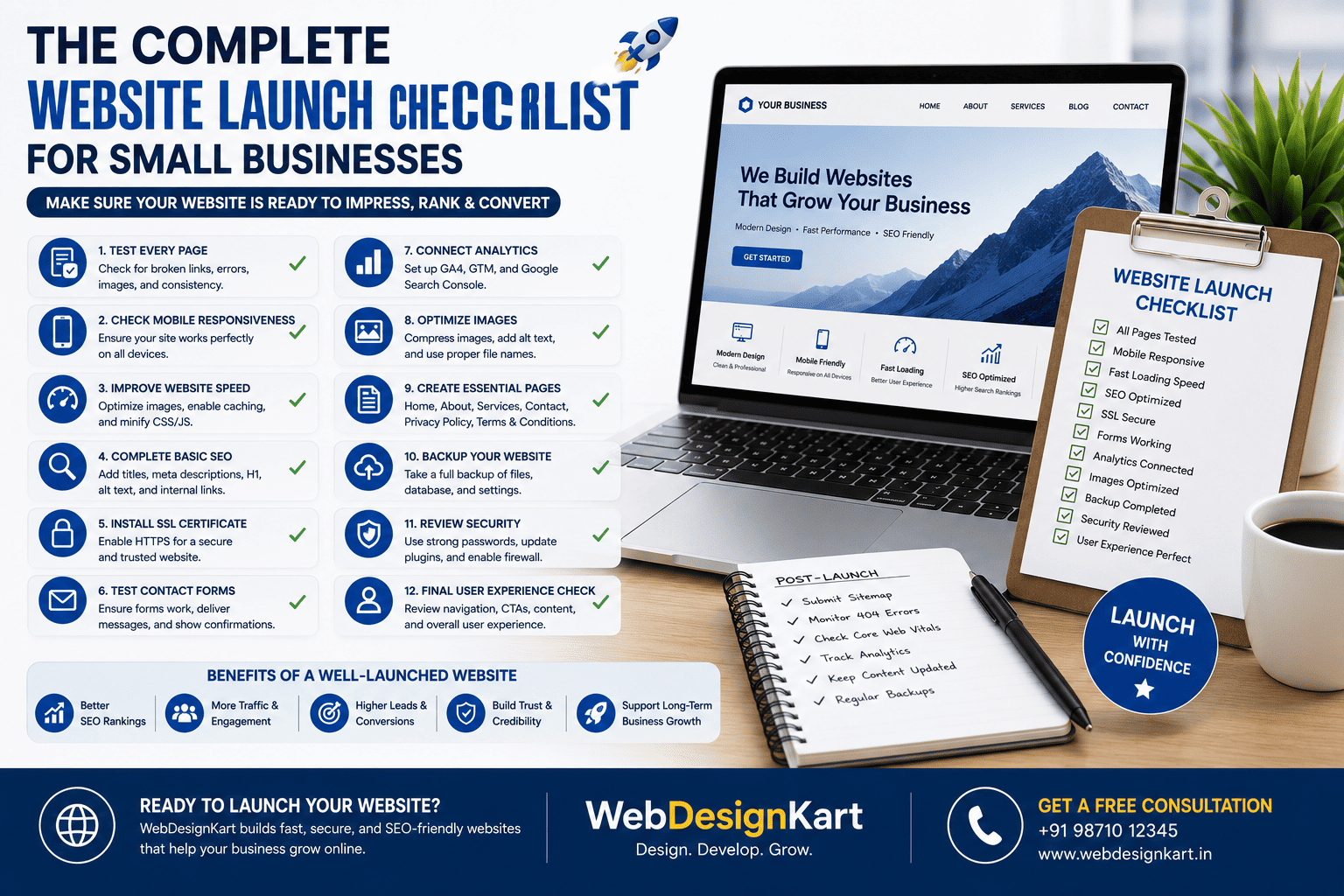

The Complete Website Launch Checklist for Small Businesses
Launching a new website is an exciting milestone, but going live without proper preparation can lead to broken pages, poor search rankings, and lost business opportunities. A successful website launch involves much more than publishing your homepage.
This comprehensive checklist will help you ensure your website is ready to impress visitors, rank well on Google, and generate leads from day one.
1. Test Every Page
Before launch, review every page to ensure:
- No broken links
- No missing images
- Correct formatting
- Consistent branding
- No spelling or grammar errors
Every page should display properly on all major browsers.
2. Check Mobile Responsiveness
Test your website on:
- Smartphones
- Tablets
- Laptops
- Desktop computers
Ensure menus, buttons, images, and forms work correctly on every screen size.
3. Improve Website Speed
Fast websites provide a better user experience and rank better in Google.
Before launch:
- Compress images
- Minify CSS and JavaScript
- Enable browser caching
- Remove unnecessary plugins
- Test page speed
4. Complete Basic SEO
Make sure every important page has:
- Unique title tag
- Meta description
- H1 heading
- SEO-friendly URL
- Internal links
- Optimized images with alt text
5. Install SSL Certificate
A secure HTTPS website builds trust and protects visitor data.
Verify:
- SSL is active
- No mixed-content warnings
- All pages load using HTTPS
6. Test Contact Forms
Submit every form to confirm:
- Messages are delivered
- Confirmation appears
- Spam protection works
- Required fields validate correctly
7. Connect Analytics
Install:
- Google Analytics 4
- Google Tag Manager (if used)
- Google Search Console
This allows you to monitor traffic, conversions, and search performance.
8. Optimize Images
Before publishing:
- Compress large images
- Use descriptive filenames
- Add alt text
- Choose modern image formats where appropriate
9. Create Essential Pages
Ensure your website includes:
- Home
- About
- Services
- Contact
- Privacy Policy
- Terms & Conditions (if applicable)
10. Backup Your Website
Create a full backup before launch, including:
- Website files
- Database
- Images
- Theme and plugin settings
11. Review Security
Complete these security checks:
- Strong admin passwords
- Updated CMS
- Updated plugins
- Firewall enabled
- Malware protection installed
12. Final User Experience Review
Browse your website like a customer.
Ask yourself:
- Is navigation simple?
- Are calls-to-action clear?
- Is important information easy to find?
- Does the website feel professional?
Post-Launch Checklist
After your website goes live:
- Submit your sitemap to Google Search Console.
- Monitor 404 errors.
- Check Core Web Vitals.
- Watch visitor behaviour in Google Analytics.
- Test forms regularly.
- Publish fresh blog content.
- Keep software updated.
Common Launch Mistakes
Avoid these mistakes:
- Publishing unfinished pages
- Forgetting SEO metadata
- Ignoring mobile testing
- Leaving placeholder content
- Not testing forms
- Skipping backups
- Forgetting analytics tracking
Final Thoughts
Launching a website is only the beginning. Following a structured checklist helps ensure your website is secure, fast, SEO-friendly, and ready to convert visitors into customers from day one.
Taking the time to review each item before launch can save hours of troubleshooting later and give your business the best possible start online.
Frequently Asked Questions
Why is a website launch checklist important?
It helps prevent common issues such as broken links, poor SEO, slow performance, and security problems before your website goes live.
Should I install Google Analytics before launch?
Yes. Installing analytics before launch ensures you can start collecting visitor data immediately.
How do I know if my website is mobile-friendly?
Test it on multiple devices and screen sizes, and use Google's mobile-friendly testing tools if needed.
Do I need an SSL certificate?
Yes. HTTPS improves security, builds trust, and supports better search engine rankings.
How often should I review my website after launch?
Monitor it regularly, especially during the first few weeks, to identify and resolve any issues quickly.
Launch Your Website with Confidence
At WebDesignKart, we don't just design websites—we ensure they're fully optimized before launch. From SEO and performance to security and mobile responsiveness, we help businesses launch websites that are ready to succeed.
📞 Contact WebDesignKart today for a free consultation and let us help you launch a website that delivers results from day one.
After this, we've essentially completed the original content plan. The next phase should focus on high-converting service pages and city-specific landing pages, which are more likely to generate leads than additional generic blog posts.